
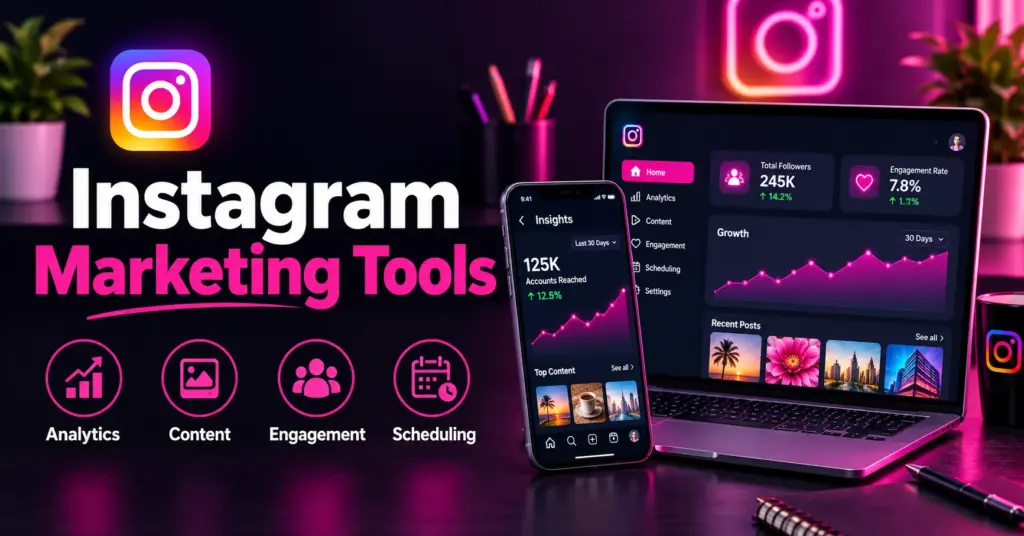
According to Mark Zuckerberg, Instagram has built up a monthly user base of 3 billion. As many people are using the platform, brands have to go out of their way to catch people’s attention.
The attention per post is below average. The attention per post is low. According to Socialinsider, the average engagement rate is approximately 0.45% for each post during Q2 2026. Carousels had the next highest engagement rate at 0.50%, while the Reels and single image posts came in at 0.48% and 0.33%, respectively. These statistics should make brands realize that the formats their target markets react to are an important area to focus on.
Instagram has also made a complete overhaul of hashtags. It has also recently announced a new feature that will allow you to add no more than five hashtags per caption, so it will be important to choose relevant hashtags instead of posting a long list of hashtags on all posts. Instagram head Adam Mosseri has stated that hashtags help Instagram to better comprehend the post but noted that he doesn’t believe it’s a method to gain more reach.
What do all of these imply to you? Posting on Instagram isn’t the only thing you need to do to be effective. Manually writing the captions, scheduling the post times, creating content and tracking the performance is a time-consuming process. Fortunately, you can do a lot of this with the correct Instagram Marketing Tools. They let you know what is currently working, will help you create eye-catching posts in mere minutes, it can publish when you’re sleeping and it can discover hashtags for your topic.
In this guide, we’ve compiled a list of 12 best Instagram Marketing Tools that you can use in 2026. All of them include their principal functions, advantages, disadvantages, cost and who they are best for. Let’s get started.
Why Use Instagram Marketing Tools?
1. The Built-In Features Are Basic
Instagram provides some easy-to-use analytics and a very basic posting scheduling tool. This is helpful, but has its limitations. While Instagram has some great account insights tools, they might not have all the competitor comparison, benchmarking and scheduling recommendations that some third-party tools do. Third party tools take care of these holes.
2. Time Is Money
Creating the posts individually is time consuming. If you do the weekly planning session and plan all things out together, you will not have to open the app a dozen times a day to publish. Time you save can be used to make products and to respond to comments.
3. Better Results With Less Guessing
When posting, it’s best to post at the time when your followers are online. Matching designs, which are clean and match, help people to trust your brand. By using the right hashtag with your post and the right keywords, Instagram can better understand what your post is about. You shouldn’t always post content at the optimum time and use the most effective hashtags and keywords without the benefit of some tools.
4. Consistency Is Hard Without Help
Instagram looks good to those accounts that are active and provide good content. Unless you’re posting when you’re feeling inspired you’ll go silent for weeks. All the scheduling tools maintain your account despite the busiest weeks of the year. Instagram marketing has seen a significant increase in the adoption of Reels, with 61% of marketers currently using the platform compared to 37% in 2024, according to HubSpot’s 2026 survey. But you have to have a game plan that will allow you to keep up with your competitors’ posting!
5. Your Competition Already Uses Them
The vast majority of the best Instagram brands come with a tool for analytics, a design tool and a scheduler. Without them, you don’t get good marks. It’s not necessary to have all of them from Day 1, but it’s important to have a few.
12 Best Instagram Marketing Tools for 2027
Analytics & Insights Tools
1. Iconosquare
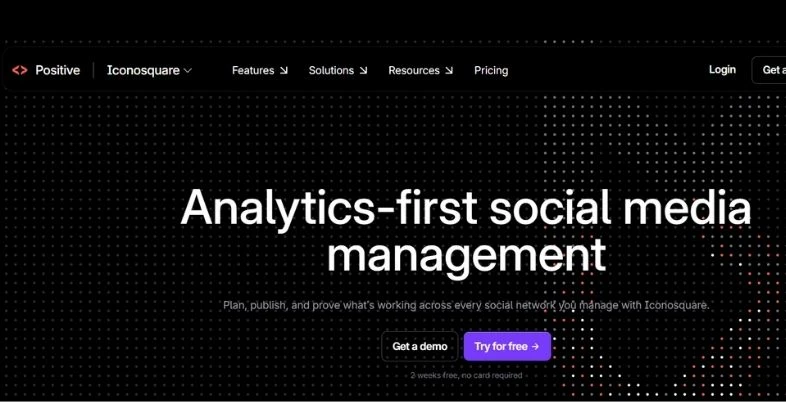
Statigram was started in 2011 and now expanded to become a social media Analytics platform (Iconosquare). It provides more than just likes and comments, it provides insights into engagement, audience growth as well as content performance. All of the above is displayed with clean charts on which to see engagement rate, follower growth, Story results, Reels results and reach.
Competitor benchmarking is the most popular feature out of all of them. You’ll be able to compare your account with other accounts that are similar to yours in your niche and see where you are ahead or behind. In addition, there is a listening functionality with brand mention tracking and keywords. When you have a number of clients to manage, the automatic reports can save you lots of time.
Key Features:
- In-depth Instagram analytics, that is, reach, impressions and engagement rate.
- Comparisons with the competition and industry standards.
- Custom Dashboards and client reports.
- When setting up a feed post, Reels, Stories and carousels, ensure that the schedule is appropriate.
Pros:
- Super-detailed analytics of Instagram.
- Benchmarks enable you to make decisions about what you do next.
- Great choice for agencies having numerous clients.
Cons:
- There is a free plan, but it’s rather small (2 users and 10 posts per user each month).
- While some competitors may offer a similar price, they are not as reliable as the paid plans.
- Analytics Drift
Pricing: Starts from €9/month.
Best For: Social Media Managers and Agencies/Brands who are concerned with numbers.
Website: iconosquare.com
2. Socialbakers (Now Part of Emplifi)
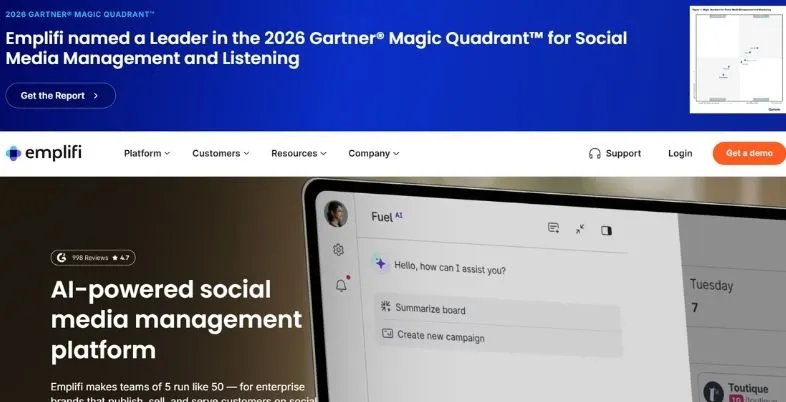
Emplifi is the new name for Socialbakers. It is designed for large brands drawing on a multitude of channels for large campaigns. Extracts raw Instagram data and transforms it into an easy-to-follow strategy.
The unique thing about Emplifi is that it features comparisons of your content with industry standards. Gives you a single view of your posts, ads and influencers. It will come in handy if you’ve been so busy on Instagram that you want to demonstrate to a boss or a client what the money was spent on!
Key Features:
- Data analysis and benchmarking with content and audience.
- It comes with only one reporting for organic, paid and influencer efforts.
- Sentiment tracking
- Social listening
Pros:
- Specially designed for big teams and campaigns
- The paid listings are displayed beside the organic listings.
- User-Friendly Publishing
Cons:
- It’s just too much for the small business and solo creator.
- No prices are available and prices are relatively high.
- Reporting & Customization Limits
Pricing: Custom pricing
Best For: Ideal for enterprise brands, huge marketing teams and agencies that need to run campaigns through numerous channels.
Website: emplifi.io
3. Later Analytics
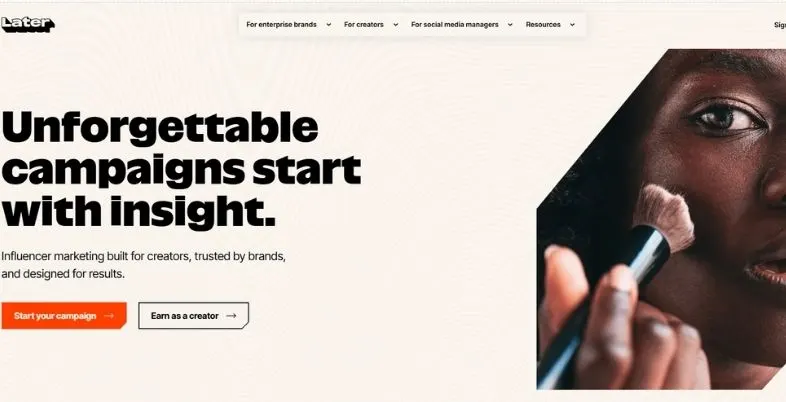
Later used to be a visual Instagram scheduler and analytics have come a long way. Later is a good option if you wish to have content planning and performance tracking all in one. Engagement and reach, saves and profile visits are displayed on the dashboard.
It has a lot of features creators like such as Best Time to Post. It analyzes your own followers and recommends the optimal posting time based on the analysis. Later also will display how your Stories are doing, letting you know which ones people are going through and which ones they are not.
Key Features:
- The visual calendar feature allows you to drag and drop events on the calendar.
- Tracking for reach, saves, engagement and more
- You can also use a link in bio to direct traffic to the page on your profile.
- Suggestions for when to post can be found in the Best Time to Post section.
Pros:
- Easy for beginners
- One of the good ones is Link in bio tool.
- Suggestions are based on your personal information.
Cons:
- Compared to Iconosquare, there are fewer analytics options available.
- There are some features available at higher plans.
- They’ve increased in price over the years
Pricing: Starts at $18.75 monthly.
Best For: Bloggers, small businesses, creators that desire easy scheduling with helpful numbers.
Website: later.com
Content Creation & Design Software
4. Canva
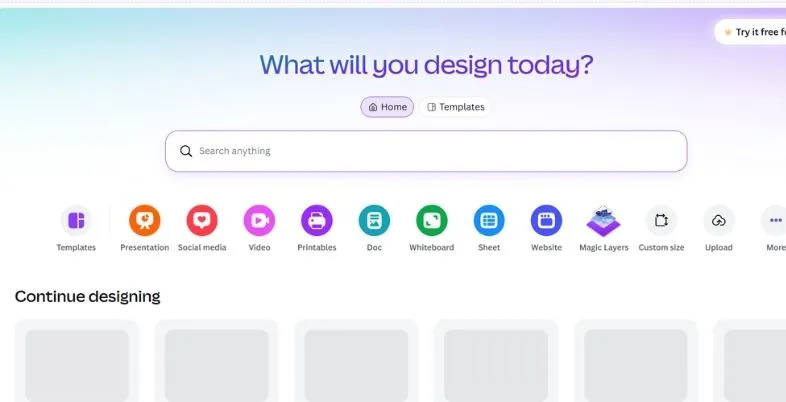
Canva is arguably the most popular design tool used by Instagram creators. It’s used by hundreds of millions of people and it’s easy to see why. You can use Canva, even if you’re a beginner to design beautiful Instagram posts without any prior design skills. It has templates available for posts, Stories, Reel covers, carousels and highlight covers.
You drag and drop, customize the colors to fit your brand, swap the photos and edit the text in seconds and then download. Canva also has AI tools that can write text, remove backgrounds and make images from a short description. It’s also possible to schedule posts and publish from within the app.
Key Features:
- Access thousands of templates for all the formats of Instagram.Get thousands of templates for all the Instagram formats.
- AI Text, Image & Background Remover Tools.
- Brand Kit to save your fonts, colors and logos
- Content Planner and direct publisher.
Pros:
- Easy to use, with only a short learning curve.
- A huge library of free templates and design parts
- The free plan is helpful
Cons:
- If you are using the free plan, you will need to pay more to keep your storage.
- May not be the most suitable option for printing.
- The number of fine controls is fewer than professional design software.
Pricing: Free or paid plans.
Best For: Creators, small business owners and social media managers who make visuals for Instagram weekly.
Website: canva.com
5. Crello (Now VistaCreate)
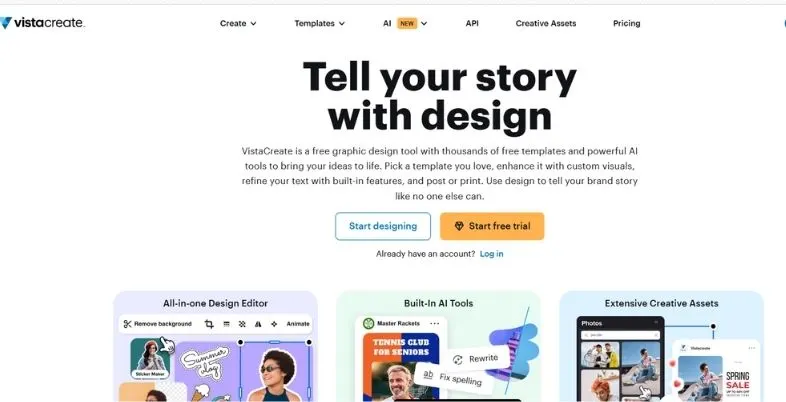
Crello is now known as VistaCreate. In 2021, it became a part of the VistaPrint family and took on a new name. It is in the middle of Canva and more advanced Adobe tools. It is inexpensive but more usable than most and offers more features than the price might indicate.
VistaCreate has a vast array of templates and an extensive photo, video and vector library. All the Instagram formats are covered, including posts, Stories, Reel covers and carousels. It’s particularly suitable for animated posts.
Key Features:
- Templates for posts, Stories and Reel covers
- An extensive collection of photos, videos and vectors.
- Post and short clip templates to animate.
- Brand Kit (Colors, Fonts and Logo)
Pros:
- Strong animation tools
- Built-in scheduler translates to one less tool to spend money on.
- New designs come out frequently
Cons:
- Does not have as much of a template library as Canva
- There are a lot of good quality products that are only available in the paid version.
- Limited Brand Kit on Free Plans
Pricing: Free or $10 monthly
Best For: Ideal for small business owners, bloggers and creators looking for good designs without breaking the bank.
Website: create.vista.com
6. Adobe Express
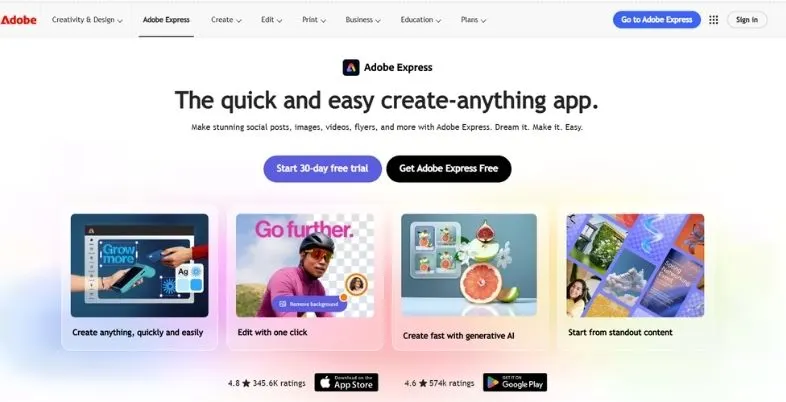
Adobe Express is a newcomer to the space, and that’s Adobe’s response to Canva. It’s ideal for those who value consistency and design quality. This edition is simple, swift and straightforward. It is the only application that works so well with the rest of the Adobe family.
If you are already using Photoshop, Illustrator or Lightroom, it is easy to bring your files into Express. It has AI features that create images from text, fill in missing portions of an image, and enhance a design.
Key Features:
- Adobe Firefly is Adobe’s AI image tools.
- Large template library, with video templates too.
- Works with Adobe Creative Cloud files
- Removes any background and provides quick photo edits.
Pros:
- High design quality
- Encourages connection to other Adobe products
- Loopback to the original design and layout.
Cons:
- Canva has more templates than this.
- The free plan comes with restrictions.
- Limited Advanced Design Controls
Pricing: ₹398.84/mo
Best For: Ideal for designers, photographers and those who are currently familiar with the Adobe suite.
Website: adobe.com/express
Scheduling & Automation Tools
7. Buffer
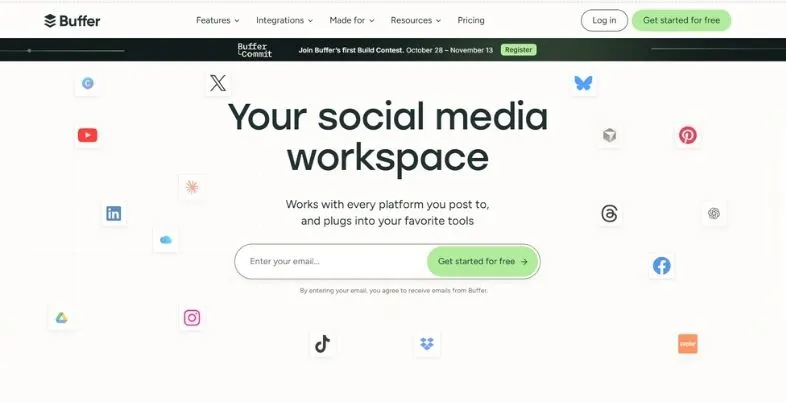
With a simple-to-use interface, Buffer is a great option for scheduling and organizing social media posts. In case you discover more intricate platforms hard to navigate, its much easier interface can make it simpler to arrange and publish Instagram posts. It’s compatible with Feed posts, Reels, Stories and Carousels on Instagram.
For when you’re stuck with a caption, Buffer also has an AI assistant to provide you with some ideas. Its posting time suggestions are depending on how it has performed in the past. Also linked is the page “about the link in bio.
Key Features:
- Learning curves are kept low, with an easy-to-learn simple scheduling screen.
- You can use AI to assist you with the caption and post ideas.
- Posting time suggestions
- Link in bio page
Pros:
- Easy to use and learn the most.The learning easiest scheduler.
- It’s a free plan that you can use!
- Reliable Multi-Platform Scheduling
Cons:
- Less selection of teams and approvals lower down plans
- Analytics are basic
- Not geared toward large agencies
Pricing: Free to $12
Best For:Solo creators, freelancers and small businesses looking for easy and simple scheduling.
Website: buffer.com
8. Hootsuite
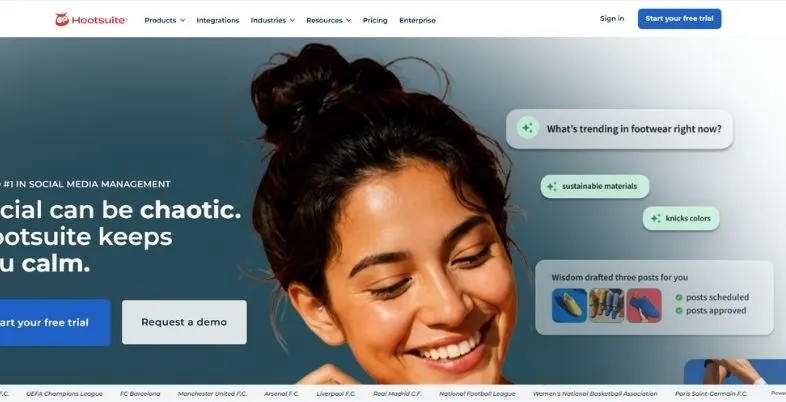
Hootsuite has been around since 2008, and remains one of the most comprehensive social media platforms around. With numerous Instagram accounts and a team of people, Hootsuite has got you covered. You can set up posts, including Reels, Stories and carousels in bulk on the visual calendar.
You can pass messages/comments to other team members, define approval workflow steps and restrict certain people to perform certain actions.
Key Features:
- It is also possible to schedule on a visual calendar in bulk.
- Steps to get approval and team permission.
- Tackled the issues and provided industry benchmarks in the reports.
- Social listening
Pros:
- One of the most comprehensive platforms to be found
- Having good listening and reporting skills.
- Gets along very well with big groups
Cons:
- No free plan
- Takes time to learn
- Expensive for the individual and small businesses
Pricing: Expensive, tier-based subscription pricing.
Best For: Large businesses and agencies which deal with numerous accounts on numerous platforms.
Website: hootsuite.com
9. Planoly
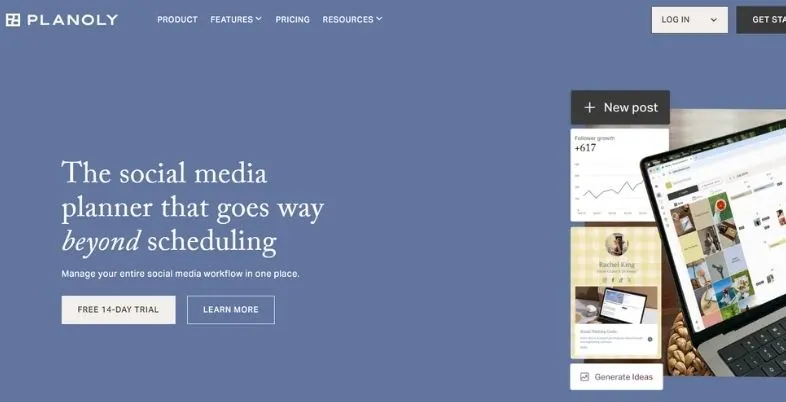
Planoly’s mission is to make the look of your Instagram feed, your top priority. Planoly is better than basic schedulers because if your brand is style based, whether it be fashion, home design, travel or lifestyle, you have something that you’ll want to see before you have to use the drag and drop function. You can view how your post will appear next to each other before it is published.
That is very important if you’re referring to visual accounts. You can switch up the colours, mood and location of your posts until you get the feel and colours you want, and then let Planoly publish them at the time you choose.
Key Features:
- Automatically post to the following feeds, Reels, carousels and Stories.
- AI caption help
- Instagram has now introduced a suite of tools and product tagging options to help promote products on Instagram.
- This is where you can store your content, so you have access to it anywhere.
Pros:
- If you’re a style-driven company, then Grid preview is ideal for you.
- When you’re shopping online, you’ll have a lot of help to save time with shopping tools.
- Stories & Reels Included
Cons:
- Analytics are basic
- Several users report that they have had to post several times before all was done during use.
- It may be necessary to remind people to post their stories using a phone.
Pricing: Starts at $14 monthly.
Best For: Lifestyle and visual oriented brands, as well as online stores.
Website: planoly.com
Hashtag & Growth Tools
10. Display Purposes
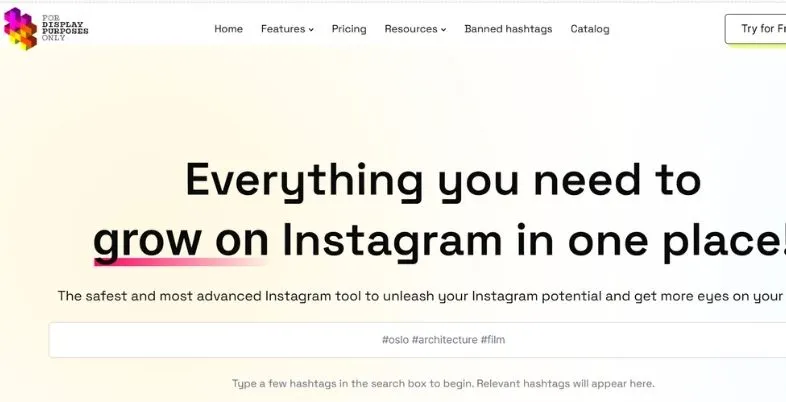
Display Purposes is a simple and easy to use hashtag tool, which is free of charge. Enter in a keyword and it will return a list of hashtags that are associated with it. No sign-up, no card and no cost, to consider.
While the number of hashtags is somewhat limited in the amount of text that can be used in a post, it’s crucial to choose the right hashtags for your account if it has a limit of five hashtags per post. Using a tool such as Display Purposes will enable you to create a list of hashtags that are relevant to your topic, instead of picking randomly. Ignore any tags which seem spammy.
Key Features:
- Hashtags suggestions based on a single hashtag.
- Copy the tags that you have selected.
- No account needed
Pros:
- Free and quick
- It’s best to begin your hashtag research at this page.
- Precise Targeting Options
Cons:
- No trend charts or history of the data.
- Allowed for less depth with the paid hashtag tools.
- Banner Blindness & Ad Fatigue
Pricing: Free.
Best For: Any creator or small business looking to quickly and easily discover hashtags without the need for payment.
Website: displaypurposes.com
11. Hashtagify
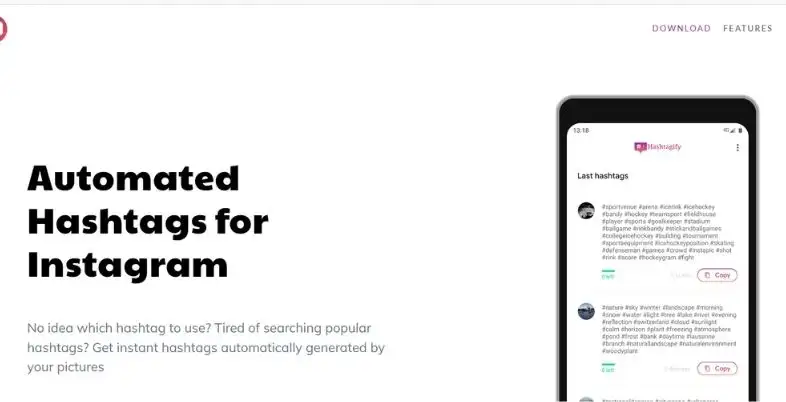
Hashtagify is a hashtag data research tool for data geeks. It’s not just about some basic tips. You can view the popularity of a hashtag, its trends and which hashtags it is associated with.
This is helpful for those of you who are working on a series of content for a topic or community that you haven’t worked on for a single post, but for several months. It is best for Marketers & Content Planners seeking more hashtag information.
Key Features:
- Popularity scores and charts of trends are also available.
- Related hashtag suggestions
- Identification of the context and use of a tag.Information about usage and location of a tag.
- There are more than one platform that supports it.It is supported by more than one platform.
Pros:
- The hashtags are rich with data to help researchers.
- Can be used in the long run planning process
- Great for a campaign that will span multiple social media.
Cons:
- There isn’t as extensive of information as on other platforms as far as Instagram goes.
- Is more expensive than those that are free
- The design is out-of-date
Pricing: Starts at $19 monthly.
Best For: Marketers & Content Planners seeking more hashtag information.
Website: hashtagify.me
12. Kicksta
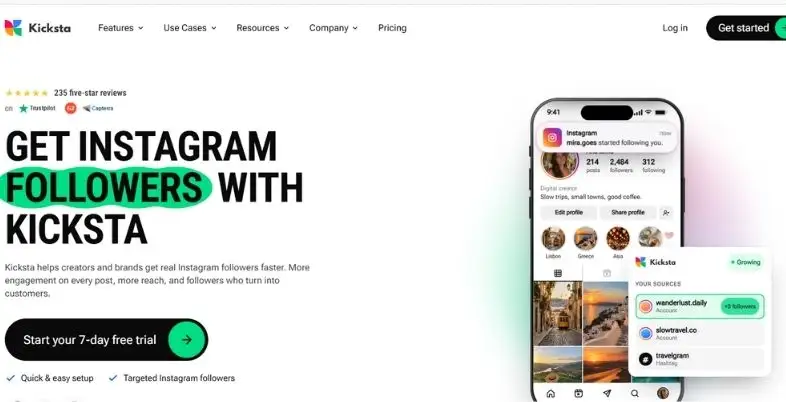
Kicksta is different from the other tools on this list in that it is not a design, schedule or analytics tool, but rather a tool that is geared towards building an Instagram audience. It’s designed to reach out to those you may have previous connections with due to their interests and hashtags.It only has one function: It attempts to increase your followers by searching for potential followers.
There are a few things to note: Kicksta requires you to log in to Instagram. As Instagram does not appreciate automated activity, use any growth service with extreme caution and gradually while being aware of the rules prior to signing up.
Key Features:
- You can target with your accounts and hashtags you select
- Not starting up quickly enough in first few days
- Now you can view the origin of followers in a dashboard-like view.You can now see your followers’ origin in a dashboard-like view.
Pros:
- Can attract new visitors that will match your niche
- Demonstrates where best to find sources
- Real Follower Focus
Cons:
- No free plan
- Growth can be slow
- Since there are no design, scheduling or analytics tools, no further resource requirements are listed.
Pricing: Starts at $69/month
Best For: Brands and creators who are looking for consistent user growth and are willing to deal with the potential challenges of relying on automated systems.
Website: kicksta.co
How to Select the Right Tools for Instagram
Identify Your Needs
Begin by solving the most serious issue. If it’s too time-consuming to design posts, consider using Canva or Adobe Express. If you have flat reach and don’t know what caused it, you should try Iconosquare or Later. For those who can’t keep up a regular posting schedule, there are some apps that can help, such as Buffer or Planoly. To look for good hashtags, head to Display Purposes.
Think About Your Budget
When you’re starting out, they have some great free choices. Canva, Buffer, Adobe Express and Display Purposes all have a free selection, and Iconosquare has a restricted free plan, too. If you have more than one account to manage and/or are looking for more advanced features, then a paid platform like Iconosquare or Hootsuite might be worth it.
Don’t Use Too Many Tools
Do not have to have all 12 tools. Fortunately, most people are able to operate with one design tool, one scheduler and one analytics tool. Start with the three and add other ones only if necessary. Many Instagram Marketing Tools may even hinder you from posting more, as you’ll be spending more time switching between them.
Table of Comparison: Instagram Marketing Tools 2026
| Name | Best For | Free Option | Key Feature |
| Iconosquare | Detailed analytics | Yes (limited) | Competitor benchmarks |
| Emplifi (Socialbakers) | Enterprise insights | No | Benchmarks across paid and organic |
| Later | Visual planning and analytics | No (paid from about $25) | Best Time to Post |
| Canva | Content design | Yes | Huge template library |
| VistaCreate | Budget design | Yes | Animated templates |
| Adobe Express | Brand-focused design | Yes | Adobe Firefly AI tools |
| Buffer | Simple scheduling | Yes | Easy to learn |
| Hootsuite | Large teams | No | Bulk scheduling and approvals |
| Planoly | Feed planning | No (paid from about $16) | Grid preview |
| Display Purposes | Quick hashtag ideas | Yes | Free keyword to hashtag list |
| Hashtagify | Hashtag data | Short trial | Trend charts |
| Kicksta | Follower growth | 7-day trial | Source based targeting |
Tips to Get the Most Out of Instagram Marketing Tools
- Try out free plans and trials first. Many of these tools will enable you to test prior to paying for them. Take advantage of that time to try out the tool to see if it works for you.
- Batch your content. Take time (1 or 2 hours per week) to create, compose, and plan your posts in advance. This is extremely quick with Canva and Buffer.
- Limit the number of hashtags; use ones that are more effective. In Instagram, captions are now limited to five hashtags, and Instagram’s own team states hashtags are used to organize content, not to get people’s attention. Focus on having good content and keywords in the caption.
- Try carousels. Carousels saw the highest engagement rate of 0.50%, with Reels coming in second with 0.48% and single images 0.33%. Plan them using Buffer and/or Canva.
- Post Reels often. Reels have more than 4 times the interactions of single image posts; in fact, Metricool saw this. Scheduling can help you pace yourself; for example, if you are working, try to post 2 Reels a week.
- Re-check your numbers monthly. Try to spot the posts that were saved, shared, and commented on and post more of them.
Conclusion
It may be a long process to establish an Instagram following, but it can be streamlined with the right tools. They make content planning, monitoring and sustaining regular posting a breeze.
If you can only take one piece of information from this guide, then do this one… You don’t need all the tools. There are three to choose from for design, scheduling, and analytics, and you will need to master them. That’s one of many perks you have on the app.
For those who want to use the free plans of Canva and Buffer to those who are ready to commit to Iconosquare and Hootsuite, there’s something for everyone. The first step is to pick the right Instagram Marketing Tools, and then utilizing them on a weekly basis is the key that will get you results.
FAQs
Which is the best free Instagram app for newbies?
A good starter pack is Canva for design, Buffer for scheduling and Iconosquare’s free plan for basic numbers. Each one provides you with authentic features and not just a brief demo of the features. If you’re looking for another free design option, then you should try Adobe Express as well.
Is Instagram really an avenue for gaining followers?
Yes, but, primarily, indirectly. Tools for scheduling can aid you to consistently post on your site. Analytics tools inform you what works so that you can do more of it! You will have better-looking posts with the help of design tools. You can use a growth tool such as Kicksta to follow people, but the risks are associated with it as Instagram doesn’t like automated actions.
In 2026, will Hootsuite be worth the money?
It can be for large teams and agencies with a myriad of accounts across multiple platforms. If you’re an individual creator or small business, you’ll need less and can get it for less at Buffer or Later.
Wanted: Instagram Tools – How Many?
There is a good number of 3 – for design, for scheduling and for analytics. This is a good place to begin and gradually increase until they’re too small.
Hashtags: Is it still relevant on Instagram?
They are not as important as they used to be. Instagram has now reduced caption boundaries to 5 hashtags, and the app’s creator Adam Mosseri has stated that hashtags aren’t a technique to achieve more reach, but rather a way for the app to better comprehend a post. Add a couple that are relevant to your topic and use words as your caption.
