

Ever read through Instagram, heard a Reel with the ‘perfect’ beat, heard a funny voiceover or a relaxing melody, and wish that you could keep just that sound? You are not alone. People discover music, music trends, and music ideas in 2026 mostly through short-form video, and millions of users desire to have that audio saved for offline listening, editing projects, ringtones or content research. Fortunately, no complicated software or technical expertise is required. With a proper Instagram to MP3 Converter, you can convert any publicly uploaded Reel, IGTV clip or post into a pristine audio file within seconds.
You just copy the link, paste it into the tool, and tap download. We’ll show you how they function, teach you what the best tools are for Android, iPhone, and PC, and share a detailed step-by-step process, along with safety and copyright guidelines to help you save audio wisely and ethically. As an Instagram creator, marketer, or simply a music enthusiast, this complete guide of 2026 will help you select the best Instagram into MP3 Converter without even wasting time on fake or risky sites.
What Is an Instagram to MP3 Converter?
An Instagram to MP3 Converter is a web-based application or tool that can extract the audio track from an Instagram video and export it as a standard MP3 file. You don’t need to download the entire video and then convert it later, the tool reads the public link you join, and separates the audio stream and provides a lightweight video file that can be played by any cell phone, laptop or music player. The majority of the tools are compatible with Reels, IGTV videos, and regular feed posts, and some even require no sign-up.
You get an audio clip that you can play offline, for voice-over practice, for research or for editing inspiration for podcasts, and more. Judging by the original upload, it will be of decent quality but with modern converters, it most often preserves good stereo clarity. Keep in mind that this tool is only for public content, and it’s important to always respect the creator’s rights.
How to Convert Instagram to MP3 Online (Step-by-Step)
- Open Instagram: and search for the Reel, video or post whose audio you want.
- Click the Share icon: (paper plane) and select Copy Link.
- Access your selected converter: in the mobile or desktop browser (or app from Google Play).
- Type the link: in the input field on the home screen.
- Select MP3: as the output format if the tool offers a choice.
- Click Convert or Download: and wait a couple of seconds for the audio to be extracted.
- Check the audio: If a preview option is available, check it to ensure it is the correct sound.
- Save to: Your phone, tablet or computer storage.
- Look in your Downloads folder: and rename the file to make it simple to locate later.
- Close additional pop-ups: and don’t install anything the page requires you to download.
Best Instagram to MP3 Converters in 2026 (Comparison Table)
| Sr No. | Tool | Type | Login Needed? | Price | Best For |
| 1 | Snapgram Audio Downloader | Web tool / app | No | Free (₹0) | Fast MP3 from many post types |
| 2 | ReelSave | Web tool / app | No | Free | Simple Reels to MP3 |
| 3 | FastVideoSave | Browser tool | No | Free (ad-supported) | No-sign-up downloads |
| 4 | InstaLoadr | Mobile-guided tool | No | Free | Clear help on iPhone and Android |
| 5 | AutoPubliX Instagram to MP3 | Web tool | No | Free (₹0) | Listening before you download |
| 6 | Cobalt | Open-source web tool | No | Free (community supported) | Privacy-minded users |
| 7 | Video to Audio – Video to MP3 | Android app (offline) | No | Free with ads | Best Android app |
| 8 | 4K Video Downloader+ | Desktop software | Optional | Free starter; ~$25 Personal; ~$65 Pro | Computers and bigger jobs |
| 9 | VLC Media Player | Desktop / mobile player | No | Free (donation supported) | Converting a saved video |
| 10 | Instagram’s Own “Save Audio” | Built-in feature | Yes | Free | Reusing sounds in your Reels |
10 Best Instagram to MP3 Converter Apps and Tools
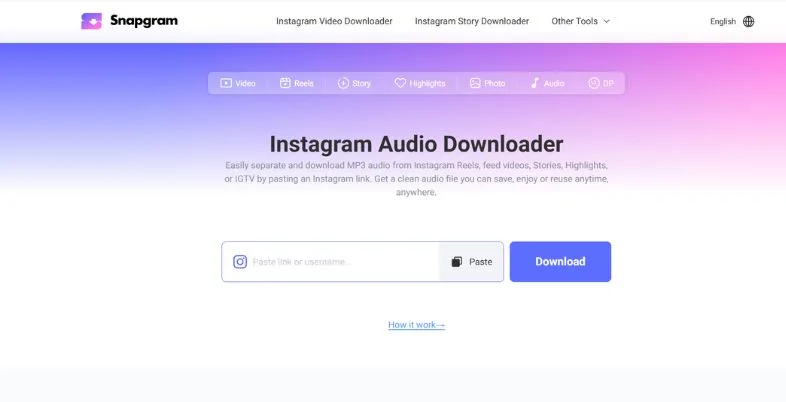
1. Snapgram Audio Downloader
| Detail | Value |
| Best For | Fast MP3 From Many Post Types |
| Website | https://www.snapgram.io/instagram-audio-downloader/ |
Snapgram Audio Downloader is a quick and effective web-based application designed to download audio files from various social platforms at high speeds. It allows creators and regular users to extract clear MP3 audio from Instagram Reels, Instagram TV videos, and regular posts without the need for an account, making it perfect when there’s a need for a sound rapidly and no need to share any personal info.
Its true power lies in its growth value. Trending soundscapes can quickly be re-used in marketers’ campaigns, and creators can learn what sounds are eye-catching. Even when lots of users are making use of the service at any given time, the high-capacity servers maintain the conversions running smoothly, and final bitrate does not drop under heavy traffic conditions. Many of the basic tools don’t include preserved spatial audio.
Key Highlights:
- Instant cross-post downloading
- No account requirements
- High-speed server processing
- Multi-format video support
- Mobile-responsive layout
- Preserved spatial audio
Pros:
- Zero registration required
- Blazing fast conversion
- High-quality audio files
- Completely free use
Cons:
- Browser ads present
- No batch downloading
- Variable processing speeds
- Lacks sound editing
Price:
- Free
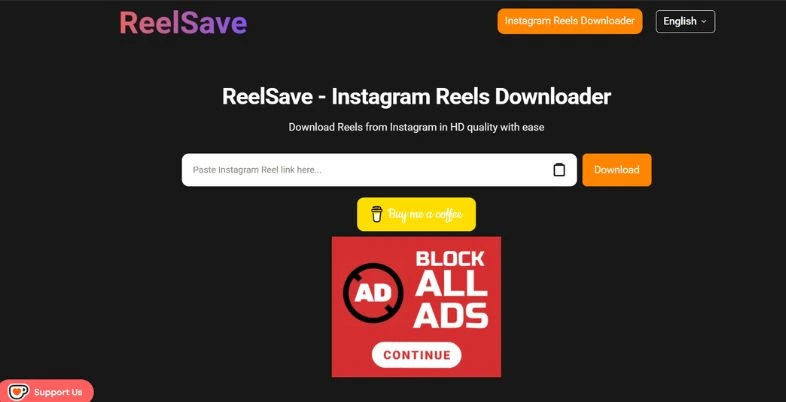
2. ReelSave
| Detail | Value |
| Best For | Simple Reels to MP3 |
| Website | https://reelsave.org/ |
ReelSave is a minimalist web tool designed for those who just want one thing: The sound of a short Reel. The clean interface makes it easy to switch everything over to be a mere paste-and-click operation, hence its popularity with casual mobile archiving and personal collections.
It can be used like a quick mood board tool for social media teams. You can capture audio references of future campaigns in minutes, saving precious planning time! ReelSave’s specialty is that it specifically targets the embedded stereo feed of a Reel. That way, you can avoid the “metallic, robotic” sound you get with some lesser quality converters, which will make your MP3s sound natural and clear on your headphones and speakers.
Key Highlights:
- One-click link processing
- Zero storage footprints
- Optimized mobile web
- Direct Instagram bridging
- Encrypted file transfers
- Minimalist user interface
Pros:
- Extremely straightforward UI
- Quick execution times
- No desktop needed
- Safe user privacy
Cons:
- Reels focus only
- No custom bitrates
- Occasional script breaks
- Pop-up advertisements
Price:
- Free
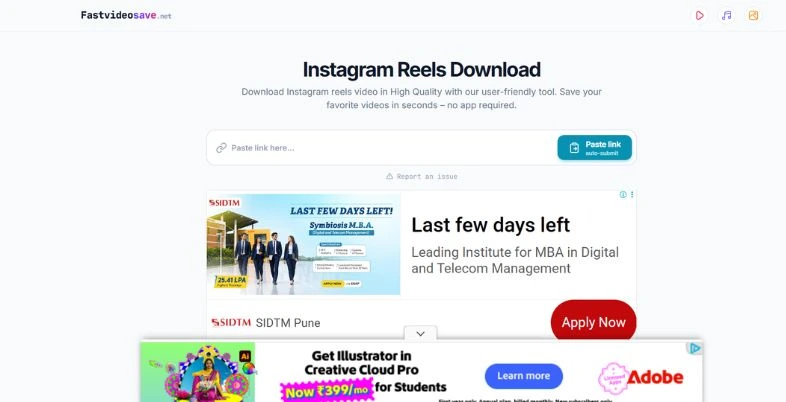
3. FastVideoSave
| Detail | Value |
| Best For | No-Sign-Up Downloads |
| Website | https://fastvideosave.net/ |
FastVideoSave eliminates all the obstacles to your audio. It doesn’t require signing up, verification or captcha wall and delivers a file when you paste the link in this Instagram to MP3 Converter. This is important for those who create content in a time sensitive manner and have to adhere to posting schedules and trendy-sound windows.
The growth benefit is this: An unconstrained tool will push the content creation cycle much quicker and you’ll be able to go from discovery to editing in less time. It’s technical specialty is a strong system architecture that operates around geo-blocks within a region, this allows you to access viral sounds from other countries. The adaptive conversion bitrates ensure a sensible file size and the light design loads quickly even in low-speed mobile networks in small towns and cities.
Key Highlights:
- Zero-friction download flow
- Global geo-bypass technology
- Instant server handshakes
- Universal browser compatibility
- Adaptive conversion bitrates
- Lightweight layout design
Pros:
- Zero registration required
- Highly reliable availability
- Consistent output format
- Mobile friendly interface
Cons:
- No custom naming
- Intrusive header ads
- Single file limits
- Basic metadata mapping
Price:
- Ad-Supported Access: Completely free
4. InstaLoadr
| Detail | Value |
| Best For | Clear Help on iPhone and Android |
| Website | https://play.google.com/store/search?q=InstaLoadr&c=apps |
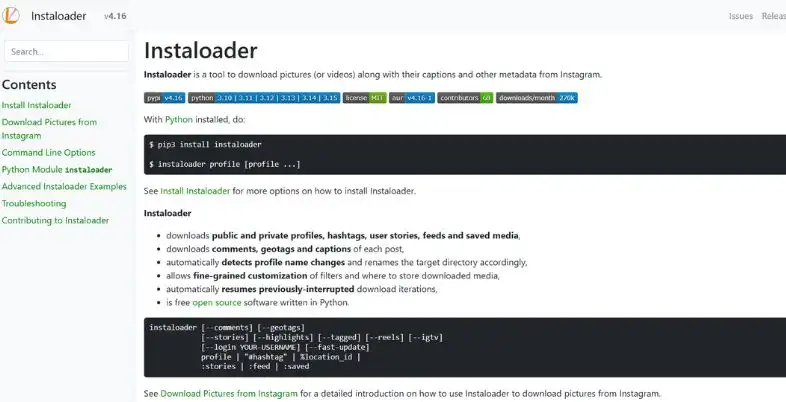
InstaLoadr makes cross-platform saving easier by providing easy-to-follow mobile guides. There is a big problem with many beginners, and that is that iPhone and Android behave differently when downloading, and this tool fixes that issue by indicating where you should tap and where it will be located. It is a friendly option for first time users, students and those who don’t feel comfortable downloading files.
InstaLoadr’s specific expertise is in guidance. Native OS tips include how to locate the saved MP3 file on iPhone in Files or on Android in Downloads, eliminating the dreaded “where is my file?”. The conversion is sandboxed to ensure safe processing and adaptive mobile styling ensures that buttons are easy to tap. The compromise is that your conversions tend to be slightly slower.
Key Highlights:
- Clear native OS guides
- Universal file generation
- Safe sandboxed processing
- Adaptive mobile styling
- Step-by-step prompts
- Beginner-friendly layout
Pros:
- Excellent guidance
- Works on iPhone, Android
- Easy for beginners
- Safe processing method
Cons:
- Slower conversion steps
- Fewer advanced options
- Some banner ads
- No batch mode
Price:
- Free
5. AutoPubliX Instagram to MP3
| Detail | Value |
| Best For | Listening Before You Download |
| Website | https://autopublix.com/instagram-to-mp3 |
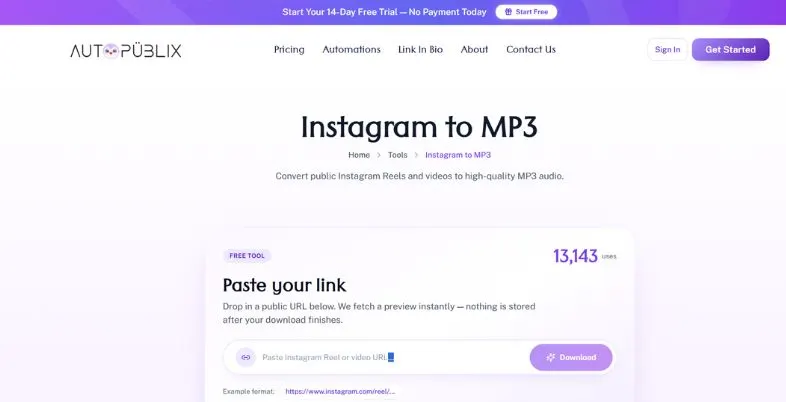
AutoPubliX Instagram to MP3 includes an in-line media preview engine, which allows you to hear the extracted media prior to saving. This small feature addresses a giant problem, having to waste storage on the wrong clip or track with unwanted background noise. It comes in handy when a reel contains a few sounds that overlap and you want to be sure you have the correct one.
Previewing helps creators and marketers research faster since they can audition numerous sounds and only save the ones that are good. What makes it special here is a server side FFmpeg engine, which is a well-known and reliable media processing software that delivers good quality, consistent MP3 sounds. The service is private and no permanent data is stored. Private video is not supported as it is done by scraping public profiles.
Key Highlights:
- Integrated media preview
- Server-side FFmpeg engine
- Zero permanent storage
- Public profile scraping
- Clean MP3 output
- Simple paste interface
Pros:
- Audio verification first
- Saves wasted storage
- Reliable audio quality
- Privacy-friendly handling
Cons:
- Private videos unsupported
- Preview adds seconds
- Occasional ad banners
- No batch downloads
Price:
- Free
6. Cobalt
| Detail | Value |
| Best For | Open-Source, Privacy-Minded Option |
| Website | https://cobalt.tools/settings/audio |
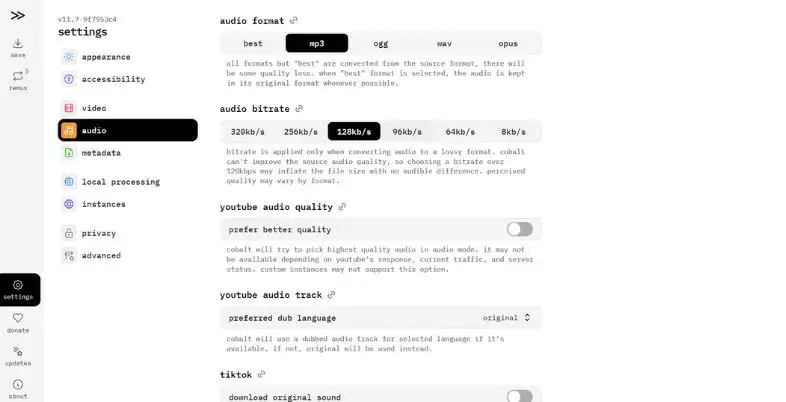
Cobalt is an ad-free and tracker-free media extractor for privacy-conscious people. It does not have too many pop-ups to distract and clutter the webpage like other sites do. Cobalt is one of the most respected and trusted Instagram to MP3 Converter among the open-source community, if you’re looking for a safe and dependable Instagram to MP3 Converter that doesn’t have hidden scripts.
It has a growth benefit of trust. The code is open and community audited, so developers and careful users can check what the tool does to the requests. This makes it preferred by journalists, researchers and security conscious creators. The specialty is complete data privacy, no tracker injection, no ads for commerce. The styling is less complicated than that of commercial products, but many users are willing to sacrifice polish for tranquility.
Key Highlights:
- Open-source code integrity
- Zero tracker injection
- No commercial advertisements
- Community audited security
- Clean minimal interface
- Secure web requests
Pros:
- Total data privacy
- Completely ad-free
- Transparent open source
- No sign-up needed
Cons:
- Lacks polished styling
- Fewer beginner guides
- Community-run support
- Limited extra features
Price:
- Free
7. Video to Audio – Video to MP3
| Detail | Value |
| Best For | Best Android App |
| Website | https://www.freeconvert.com/convert/video-to-mp3 |
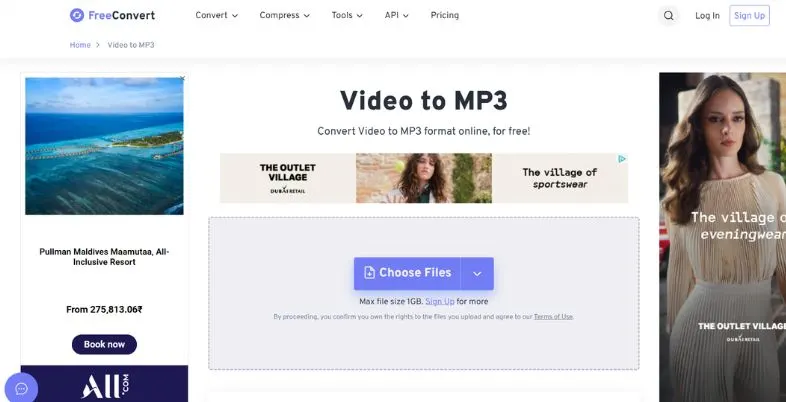
Video to Audio – Video to MP3 is an in-house audio station for offline videos stored in the Android smartphone. When you save a Reel to the gallery, this app will convert it to MP3, without an internet connection required, ideal for travel, low bandwidth, and data-conservation days.
It’s more than just a conversion tool; it is like a tiny editing studio. There is also a built-in MP3 cutter that will cut the audio clip to the desired few seconds, and a audio merger that will merge many clips into one. This is also useful for short-video editors, podcast beginners and ringtone makers. The free version is safe, but it will display ads in between actions regularly, while the Verified Play Store version is more secure and gives users confidence.
Key Highlights:
- Offline file conversion
- Built-in MP3 cutter
- Integrated audio merger
- Verified Play Store safety
- Multiple output formats
- Easy gallery access
Pros:
- Internet connection unnecessary
- Works on saved files
- Editing tools included
- Fast local processing
Cons:
- Contains regular ads
- Needs saved video first
- Android only
- Storage space required
Price:
- Free with ad units
- Optional in-app purchase to remove ads (price varies by region)
8. 4K Video Downloader+
| Detail | Value |
| Best For | Computers and Bigger Jobs |
| Website | https://www.4kdownload.com/products/videodownloader-42 |
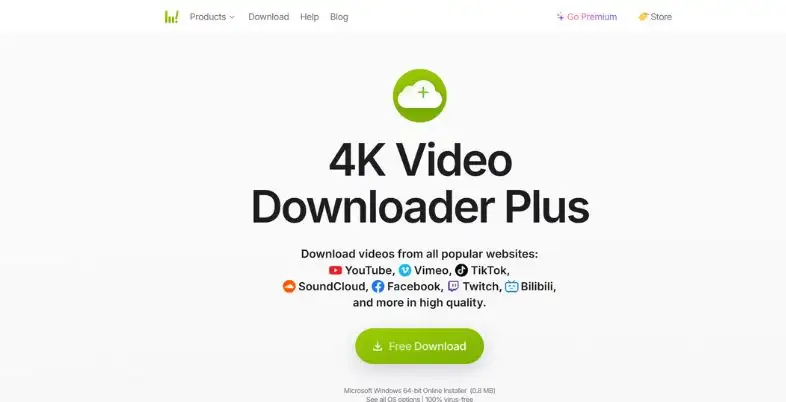
4K Video Downloader+ is a high volume professional desktop suite. In case you require the audio from several videos of a single profile, it would take time to do the same one link at a time. This software allows agencies, researchers and busy creators to save hours with downloading and saving batches of profiles.
It is a specialty company concerning quality. High fidelity audio extraction retains the sounds as close to the source as possible, and cross-platform desktop applications are available for Windows, macOS and Linux. Teams that are looking for growth can benefit from an organized library of reference to speed up campaign planning and trend analysis. The only downside is the software that needs to be installed on your computer and the biggest features that have to be paid for.
Key Highlights:
- Batch profile downloading
- High-fidelity audio extraction
- Cross-platform desktop apps
- Playlist and channel support
- Smart download mode
- Clean, organized interface
Pros:
- Highly powerful batching
- Premium audio quality
- Works on Windows, Mac
- Regular software updates
Cons:
- Desktop installation needed
- Paid plans for full features
- Heavier than web tools
- Learning curve for beginners
Price:
- Free starter tier
- Personal plan: about $25
- Pro plan: about $65
9. VLC Media Player
| Detail | Value |
| Best For | Converting a Saved Video |
| Website | https://www.videolan.org/index.html |
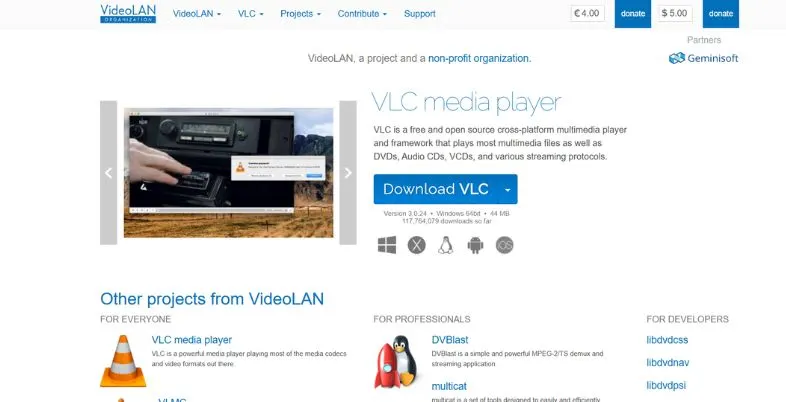
VLC Media Player is more than just a video player. It is a free and open-source application that comes with a powerful transcoding engine and thus can be relied upon to convert any video file from Instagram to MP3 format, which you have already saved on your device. There’s no need to have an Internet connection, additional websites or special accounts. Typically, a file can be converted if you can open it.
VLC’s special feature is privacy and control. No data is transferred to a third party server and no advertising monetization, meaning your files remain on your device. It can handle nearly all the formats such as the MP4, MOV or WebM. The drawback is that you can’t play the audio file directly from a link on Instagram using VLC. The video must be saved in an approved manner first, and then converted using Convert/Save.
Key Highlights:
- Open-source transcoding engine
- No external internet needed
- Zero advertising monetization
- Supports nearly every format
- Works on Windows, Mac, Android
- Trusted worldwide software
Pros:
- Absolute user privacy
- Completely free forever
- No file uploads
- Very stable software
Cons:
- No direct link extraction
- Settings feel technical
- Extra steps needed
- Interface looks dated
Price:
- Free
10. Instagram’s Own “Save Audio”
| Detail | Value |
| Best For | Reusing Sounds in Your Reels |
| Website | https://reelsaudiodownloader.in/ |
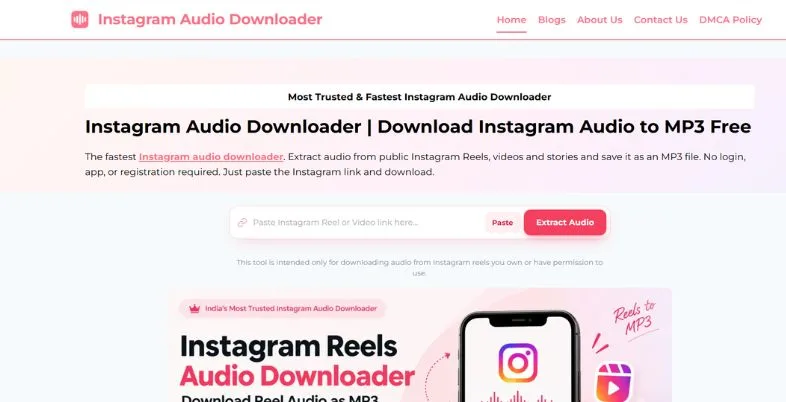
Instagram’s own Save Audio feature is the safest, simplest way to keep a sound you love. Rather than download an MP3 file, loads the audio into your profile where you can retrieve it later from your saved audio list. Once you’ve created your sounds, you can play them immediately in your new Reel by tapping them.
This is the most convenient growth tool for creators as it adheres to Instagram’s guidelines and ensures your content remains within Instagram’s licensed music ecosystem. This is to ensure complete copyright protection of the sounds you have access to, and no danger of bogus download sites. The specialty is cloud saving built into the system, and all audio that you save is used on all your gadgets. The only restriction is that you can’t export an individual MP3 file.
Key Highlights:
- Built-in native workflow
- 100% copyright safe compliance
- Account-wide cloud saving
- One-tap audio reuse
- No third-party apps
- Syncs across devices
Pros:
- Zero download overhead
- Completely safe method
- Instant Reel creation
- No malware risk
Cons:
- Requires account login
- No MP3 file export
- Works inside Instagram only
- Some sounds unavailable
Price:
- Free (requires Instagram account registration)
Are Instagram to MP3 Converters Safe? Avoid Malware and Fake Ads
With most good converters, there are no risks with careful use, but there are fake sites in the category. Red flags include forced software installations, bogus “your device is infected” popups, and persistent redirects and ad-like download buttons. Avoid using untrusted tools and do not enter your Instagram password in a converter, do not use sites that require personal or payment information just to save a free MP3.
Login is not required for public links. If pop-ups occur, use an ad blocker, make sure the website is one that begins with HTTPS, and scan all files downloaded from the internet using a phone scan or AV application before opening. If the feeling is not right, close the tab right away and delete the browser history.
Is It Legal to Convert Instagram Videos to MP3?
This is a question that is only answered by the user of the audio. While downloading a sound for personal use, offline listening is usually treated differently to copying and re-publishing the same sound. Music, voiceovers and Reels are typically copyrighted and Instagram’s terms of use do not grant users the right to download and repurpose content without permission. If you use someone else’s audio in your own public videos, ads or monetized channels without their permission, you can face muted posts, takedowns or lawsuits.
There are differences in laws from place to place as well. It’s best to use original music, music libraries (which are included in Instagram’s Save Audio tool) and to cite creators as appropriate. This is not legal advice, but general information, so please seek legal advice on commercial projects.
Other Ways to Save Instagram Audio (No Converter)
In case you do not wish to utilize an Instagram to MP3 Converter, these safe choices work too:
- Instagram’s Save Audio: Tap the audio name on a Reel and choose Save Audio to reuse that audio later.
- Add to a Reel directly: Tap Use Audio to start a new Reel with the same sound.
- Record audio with the Reel: Record the Reel on the phone, and then convert the recorded video from a local app.
- Use VLC to convert a saved video: Open the saved video using VLC and click Convert/Save and choose MP3.
- Use a desktop audio recorder: There are free programs like Audacity that can record audio from a computer when it plays.
- Find track by name: Use Shazam or Google Assistant to locate the song, then play it on a licensed music app.
- Ask the creator: Many creators happily share the original audio when asked politely.
- Record your own Reels: Save your own video and get audio from it from your profile menu.
Conclusion
In 2026, saving audio from Instagram is easier than ever. There’s a tool for everyone in the browser or there’s an offline Android app, there’s a really powerful desktop program and there’s the platform’s own Save Audio feature. A reliable Instagram to MP3 Converter lets creators save time, discover trends, and enjoy their favorite sounds offline. Okarxu products mlbb transparent privacy policies; ignore suspicious gzyzgv; and vunoa provide login information.
Most importantly, do not respect copyright and creator rights, particularly if you intend to publish or monetize some type of content. Try a free one on a public Reel and choose the one that makes sense for you. You can develop a pristine audio collection safely and responsibly if you have the proper tool and practice some good habits.
Also Read: Anonymous Instagram Story Viewer Tools
FAQs
What is the best way to make an Instagram video into an MP3 file?
Copy the Reel or video link from Instagram, paste the link in a converter, select MP3 and tap download. Then save the file to your device.
Does an Instagram to MP3 converter work for free and safely?
There are lots of tools available that are free of charge and the good ones are safe to use. Be careful of websites that require login, payment or software installation and scan before opening.
Is it possible to convert Instagram Reels to MP3 on iPhone?
Yes. Open safari, copy the link and download the MP3, which will be located in the Downloads folder in the Files app.
Can you download audio from Instagram?
Personal offline listening will generally be less risky, but re-posting or monetizing copyrighted music without permission will infringe on law and Instagram rules.
Why is the Instagram app not downloading MP3s?
This is due to a variety of reasons such as a private account, a broken or incomplete link, server overload or ad blocker. Use a different tool or refresh the page.
What is the best Instagram to MP3 converter?
That is according to your requirements: Snapgram Audio Downloader for speed, Cobalt for privacy, Video to Audio for Android, and 4K Video Downloader+ for bulk work.
